Our Favorite Premium WordPress Plugins — And Why They Are Worth the Price
A professional WordPress website is never just a theme, a few pages, and a contact form. Behind every dependable business website is a stack of tools that helps the site get found, stay protected, load quickly, capture leads, publish content, and send important notifications reliably.
At DS Ragland, we build and maintain WordPress websites for businesses that need their websites to work every day. That means we care about what happens behind the scenes just as much as what visitors see on the front end. A beautiful website still has to be secure. A fast website still has to be backed up. A blog still has to be distributed. A contact form still has to deliver the message.
That is why we use a core group of premium WordPress plugins on the sites we build, host, maintain, and support. These tools are not random add-ons. They are part of the professional foundation we rely on for SEO, security, backups, forms, performance, social media sharing, and email deliverability.
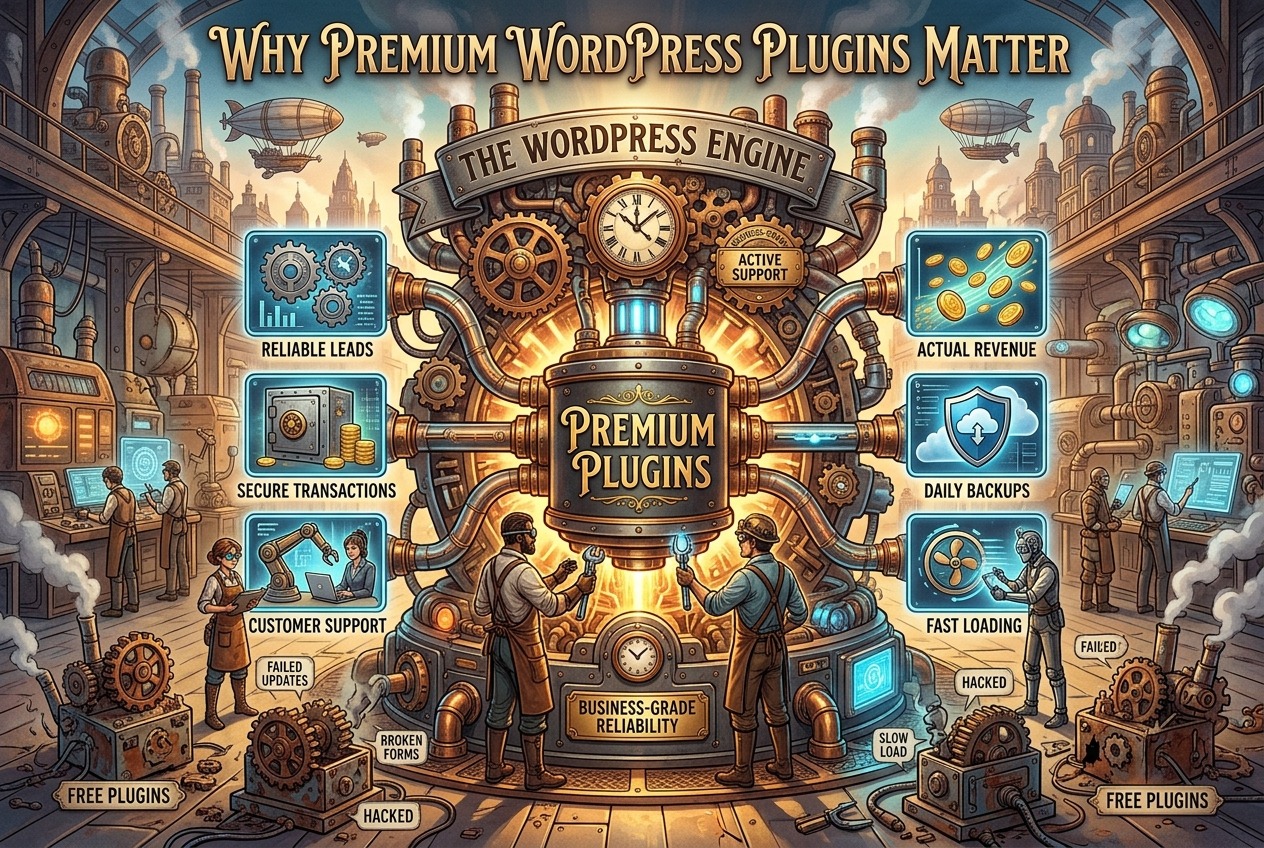
Why Premium WordPress Plugins Matter
Premium plugins usually provide stronger features, better support, more frequent improvements, and better tools for agencies managing multiple client websites. That matters because website problems rarely happen at convenient times. A broken form, failed update, slow page, hacked login, missing backup, or email delivery issue can cost a business real money.
The DS Ragland Premium Plugin Stack
These are the premium WordPress plugins we most often recommend and configure for client websites:
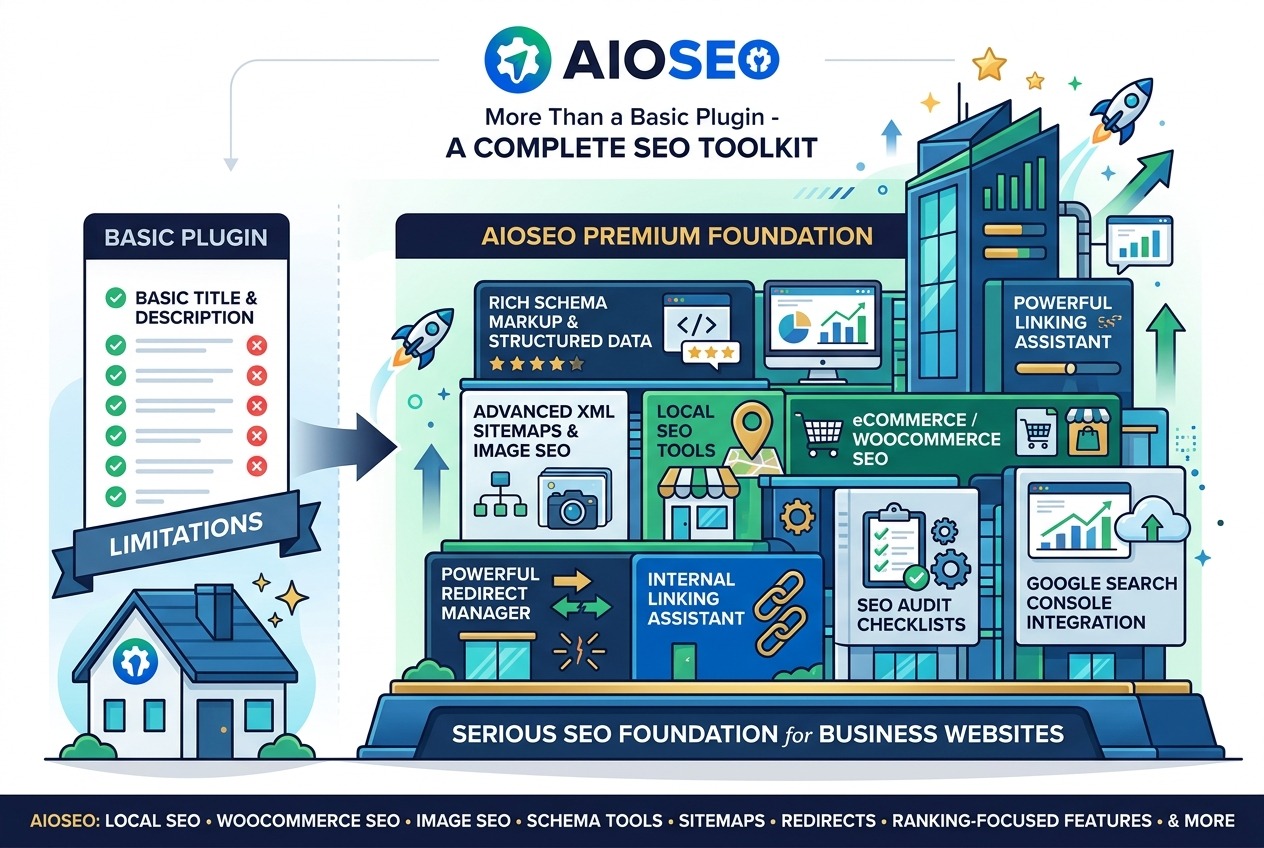
- AIOSEO Premium for search engine optimization, schema, local SEO, redirects, and technical SEO controls.
- All-In-One Security Premium for stronger WordPress security, login protection, firewall tools, and premium support.
- UpdraftPlus Premium for scheduled backups, restoration, migration, and remote storage options.
- WPForms Premium for better contact forms, lead forms, payment forms, conditional logic, and notifications.
- WP-Optimize Premium for caching, database cleanup, image optimization, WebP conversion, and performance improvement.
- Blog2Social for social media scheduling, auto-posting, cross-posting, and content distribution from WordPress.
- WP Mail SMTP Premium for reliable WordPress email delivery, email logs, backup connections, smart routing, and failure alerts.
A Premium Plugin Is Only Worth It If It Is Set Up Correctly
Buying a premium plugin does not automatically fix a website. The value comes from choosing the right tool, installing it properly, configuring it for the specific website, testing it, and maintaining it over time.
For example, an SEO plugin is only useful if page titles, meta descriptions, schema, sitemaps, redirects, and indexing settings are handled correctly. A backup plugin is only useful if backups run on schedule, store off-site, and can actually be restored. A form plugin is only useful if the form captures the right information and sends notifications to the right people. A performance plugin is only useful if it improves speed without breaking layouts, scripts, forms, or mobile behavior.
That is the difference between simply installing plugins and having a professionally managed WordPress environment.
Why This Matters for Business Owners
Most business owners do not want to spend their day comparing plugin changelogs, testing compatibility, reviewing logs, or troubleshooting email headers. They want the website to work. They want people to find them. They want leads to come through. They want forms to send. They want the site protected. They want someone they trust watching the details.
That is why DS Ragland treats the plugin stack as part of the website’s infrastructure. These tools support the daily work of a business website: search visibility, security, speed, lead capture, content marketing, and communication.
The Bottom Line
Premium WordPress plugins are worth the price when they reduce risk, save time, improve performance, protect the website, and help a business get more value from its online presence. The key is not buying every plugin available. The key is using the right tools for the right reasons and configuring them with care.
In this series, we will review each of our favorite premium WordPress plugins, explain what it does, and share why DS Ragland considers it worth the investment for many business websites.
Want DS Ragland to review your WordPress setup? Let’s talk.
FAQ
Do all WordPress websites need premium plugins?
Not every website needs every premium plugin, but most serious business websites benefit from premium tools for SEO, security, backups, forms, performance, email delivery, and content distribution.
Is the free version of a plugin good enough?
Sometimes it is. However, premium versions often add features that matter for business websites, including better support, advanced controls, automation, integrations, reporting, and agency-level tools.
Can too many plugins slow down WordPress?
Yes, poorly chosen or poorly configured plugins can create performance problems. The goal is not to install more plugins. The goal is to use a lean, reliable, well-maintained plugin stack that serves a clear purpose.